
IT Services | Computer Tips | Contact Us | Privacy Policy | About Us | Directions-Find Us | Hours and Closings | Home Page
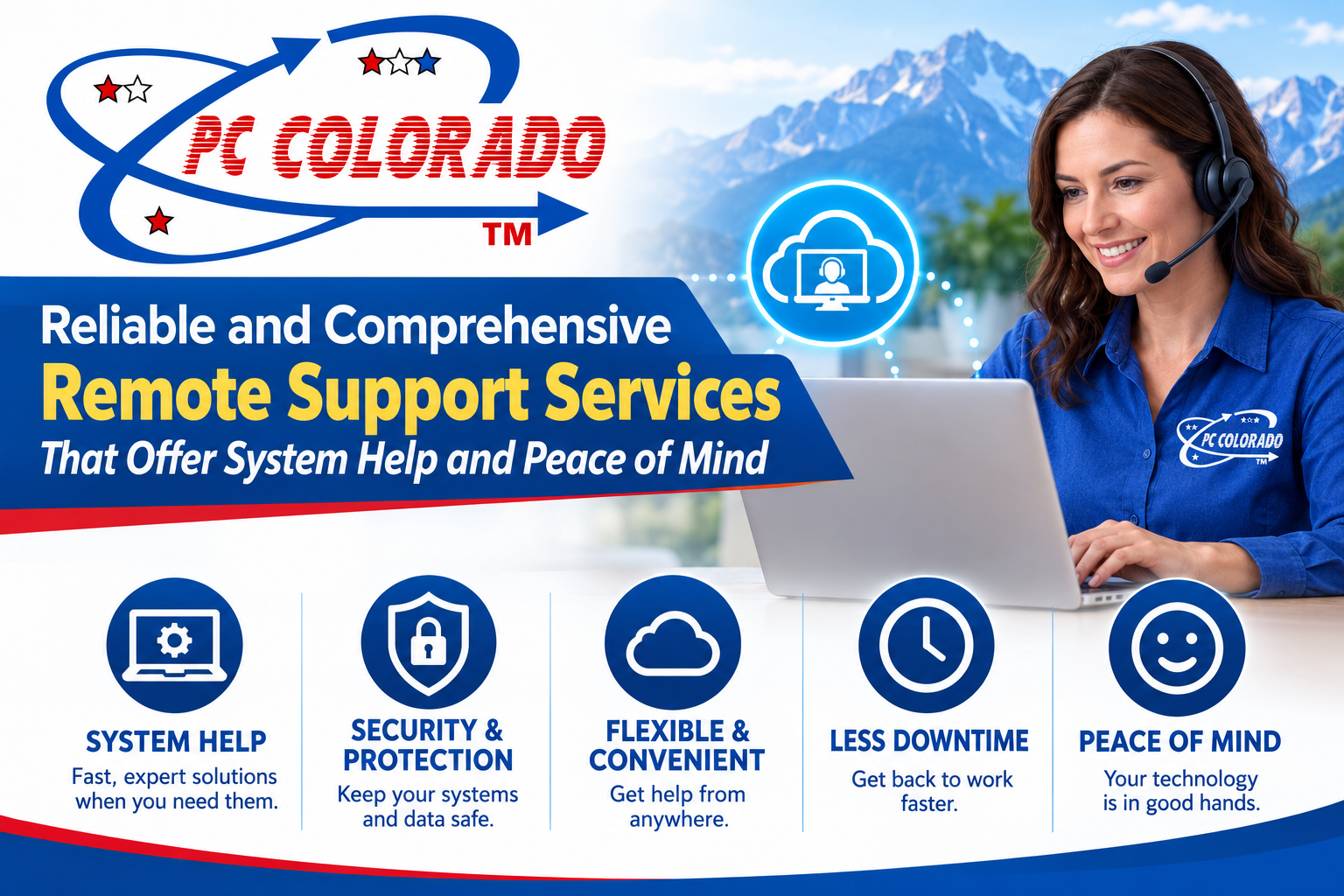
Open the door to savings using Remote Control Support from PC Colorado

 Click This link
to see why you should consider using PC Colorado Remote Support
PC Colorado has developed several ways a customer can request help with a computer, server, network, software or hardware problem.
-
Normal office hours are - 8:00 AM through 5:00 PM
-
You may call our main office (shop) during regular business hours between 9:00 AM and 5:00 PM Monday Thru Friday to request help or set up an appointment.
-
You may call our on-call tech phone for help from 7:00 AM to 8:00 AM, 5:00 PM to 9:00 PM Monday through Friday. After hours, holiday and weekend hours are 9 AM through 9 PM. (NOTE: after hours support is billed at a higher rate. If your problem can wait until he next business day you can save money doing so).
-
If you have access to a computer you can send an email to support@pccolorado.com explaining your problem and what computers/servers are affected. This support email address is monitored regularly by our staff during regular business hours. This should allow us to provide quicker response time and even solve your problem at a lower cost than sending a tech on-site.
The tech
taking the call or viewing the email will contact you and after talking
with you will decide the best way to help with your problem.
It may include remote support
by signing on to your computer to view the problem.
It may also involve scheduling an appointment for a tech to come
to your location.
To save
you money, the tech might suggest it you drop off your computer at our
office.
To activate a ConnectWise Remote Session, a PC Colorado Technician will ask you to click on the image below to install that program on your computer so we can assist in helping with your problem. 
|
|
After a
program is initiated you will see a popup window with a session
ID and password which you will need to give to our tech to allow
access to your system. We can then see the same thing you
do and which will allow us to do troubleshooting and determine
what can be done to restore your system to normal operation.
This tool allows us to do any or all of the following:
--Update your computer--Run virus and malware scans--Check
system logs to search for any error messages--Troubleshoot
printer issues--Determine why web pages are not
opening--Investigate software issuesIn many instances, this
process can save you the cost of a service call and save you
money because we charge a much lower rate for remote support. Once we are finished with our remote session you can press "Cancel" on the popup windows and our access to your system is terminated. |

|
|
IT Services | Computer Tips | Contact Us | Privacy Policy | About Us | Directions-Find Us | Hours and Closings | Home Page
Email: inquiries@pccolorado.com
Telephone: (719) 475-0255 Fax: (719) 475-0607
Mailing Address: PC Colorado, 1725 N. Weber Street, Colorado Springs, CO 80907-7503
After Hours/Emergency Phone: (719) 475-0002
Copyright © 2026 All Rights Reserved.
CLICKING ON THE PC COLORADO LOGO LOCATED ON THE UPPER LEFT OF EACH PAGE WILL RETURN YOU TO THE HOME PAGE.
